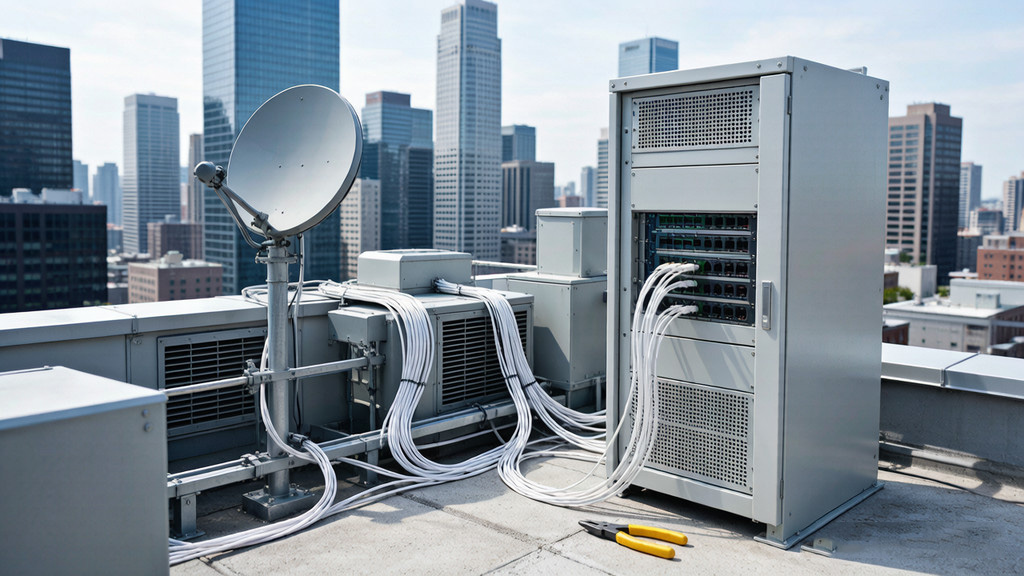
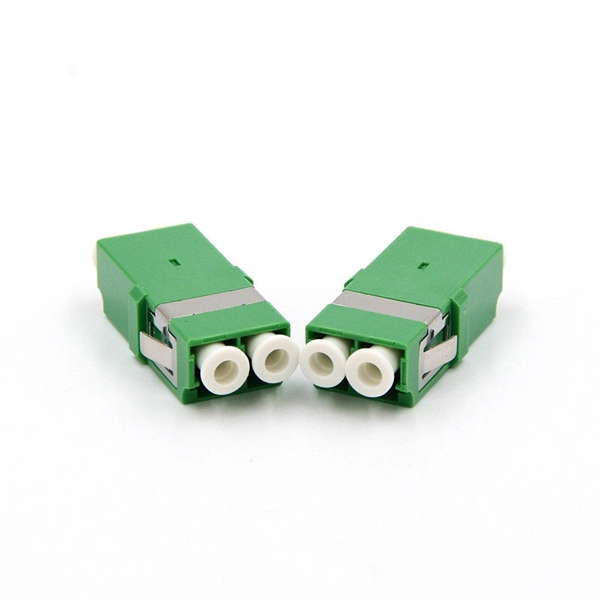
Fiber Connection: Locate the optical port on your router and carefully insert the fiber cable's connector, ensuring a snug fit. Click it into place if it has a locking mechanism. Low latency for. The process to connect fiber optic cable to router requires careful attention to detail, but I'll walk you through every critical step with the precision and clarity you deserve. This comprehensive guide combines industry standards with field-tested practices to ensure you achieve a rock-solid. See you soon! 🚀 How to connect a fiber optic cable to the router. Before you start, gather the right tools. You don't want to dig around mid-job for something small but essential.
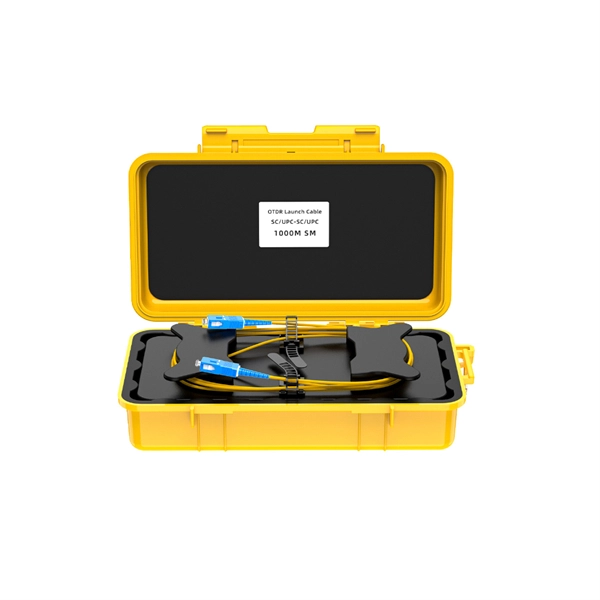
Picking up the best router for fiber internet isn't just about going to the market and choosing one of the best wireless routers. Instead, you need to carefully look at its specs, performance, and the type of securit.
An optical transport network (OTN) is a digital wrapper that encapsulates frames of data, to allow multiple data sources to be sent on the same channel. This creates an optical for each client signal. defines an optical transport network as a set of optical network elements (ONE) connected by links, able to provide functionality of transport, multiplexing.
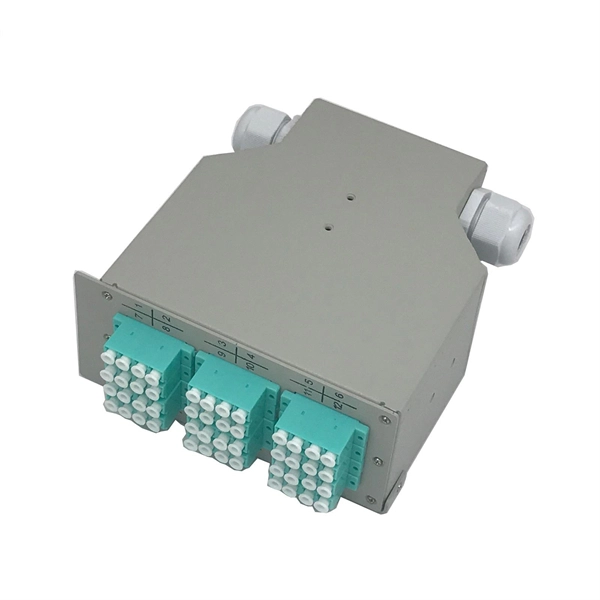
An optical transport network (OTN) is a digital wrapper that encapsulates frames of data, to allow multiple data sources to be sent on the same channel. This creates an optical for each client signal. defines an optical transport network as a set of optical network elements (ONE) connected by links, able to provide functionality of transport, multiplexing.
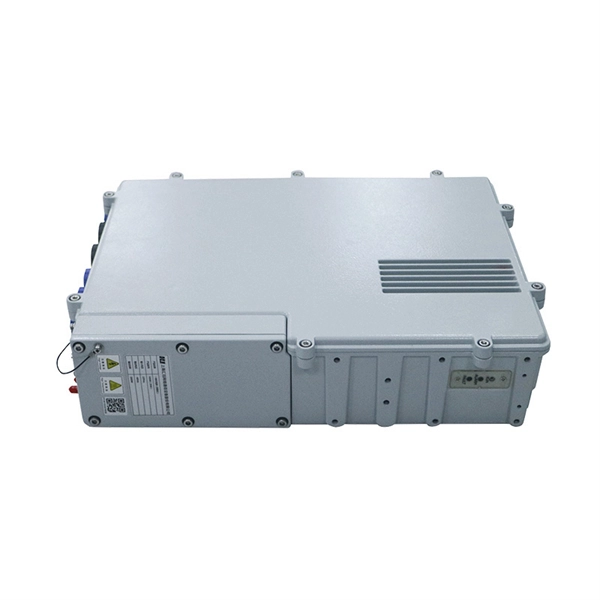
The ASUS ROG GT-AXE16000 is built for gamers, with ultra-low latency and high throughput. Mesh systems like the Linksys Velop AX4200 are ideal for whole-home coverage without. Searching for the ideal WiFi router to match your 100 Mbps internet speed? You're in the right place! In this guide, we'll explore the top routers tailored to deliver optimal performance for your 100 Mbps connection. Whether you're streaming, gaming, or simply browsing, a high-quality router is. This product is certified by Amazon to work with Alexa. This product can be controlled with your voice through Alexa-enabled devices such as Amazon Echo and Amazon Tap. Need help? Explore a wide range of wireless routers. Get fast speeds and stable connections for your home network.
Fiber internet is the fastest of all of the internet connection types, currently capable of speeds up to 5 Gbps. But in order to reach its full potential, you will need a WiFi router that is capable of multi-gig sp.
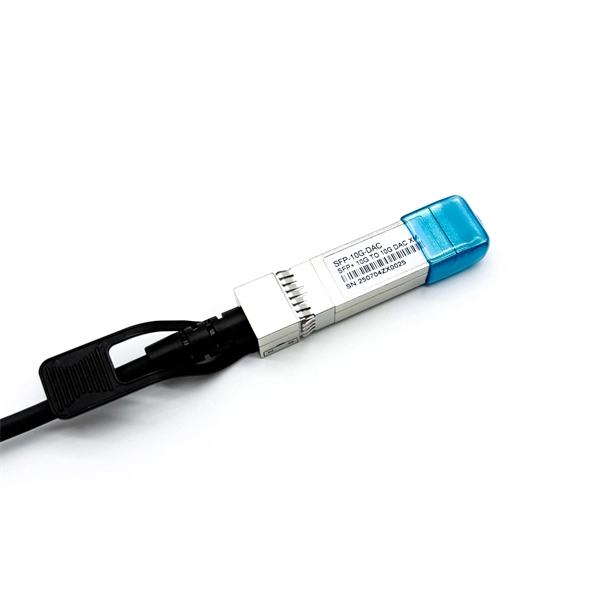
Access the router's admin panel: Open a browser and enter the router's IP address (e. Enter ISP credentials: If required, input the username and password provided by your ISP. Fiber optic networks are celebrated for their speed and reliability, but even the best systems can encounter problems. When issues like signal loss, slow speeds, or intermittent connectivity arise, systematic troubleshooting is key. Despite multiple attempts, the Archer AX6000 v1. The blue light on top of the router spins around for a. When your fiber optic network stops working, begin with a structured approach. Many fiber internet problems come from dirty connectors or loose plugs, not major faults.
Q: Can I plug a fiber optic cable directly into a router? A: Only if your router has an SFP port designed for fiber. Q: Do I need a special router for fiber optic internet? A: While not all routers support fiber, many modern models. To connect your fiber optic cable to a router, ensure you have the following: Fiber optic modem (ONT): Most fiber connections require an Optical Network Terminal (ONT), provided by your ISP. The fiber line terminates at the Optical Network Terminal (ONT), which is typically supplied and installed by the internet service provider. This. Yes, you can often use your existing router with fiber optic internet, but there are crucial considerations. Understanding compatibility, potential limitations, and when an upgrade is necessary will ensure you get the most out of your high-speed connection. This guide will break down everything you.
Physical Damage : Cuts, bends, or contamination in fiber cables or connectors. Hardware Failures : Faulty transceivers, switches, or routers. Environmental Factors :. Fibre optic cables are a vital component of modern communication networks, offering high-speed data transmission and reliability. In this comprehensive guide, we'll explore common. With their ability to transmit data at speeds up to 1. However, even the most advanced fiber systems are not immune to issues that can disrupt service—from signal degradation to physical. Most common fiber optic cable problems are fixable—often with a bit of know-how and the right approach. Let's dive into the most frequent headaches, how to spot them, and, most importantly, how to get your network back on track. By shedding light on these common fiber internet problems and offering insights into preventative measures and advanced troubleshooting steps, we aim to empower network. Fiber optic troubleshooting is an essential skill for network administrators, technicians, and engineers responsible for maintaining and repairing fiber optic systems.
[PDF Version]
Q: Can I plug a fiber optic cable directly into a router? A: Only if your router has an SFP port designed for fiber. Q: Do I need a special router for fiber optic internet? A: While not all routers support fiber, many modern models. To connect your fiber optic cable to a router, ensure you have the following: Fiber optic modem (ONT): Most fiber connections require an Optical Network Terminal (ONT), provided by your ISP. The fiber line terminates at the Optical Network Terminal (ONT), which is typically supplied and installed by the internet service provider. Make sure you have both items on. before using your own router, you need to have first connected successfully with the hyperoptic one. These are very common and can be found on amazon, argos etc.
Contact us for competitive quotes on any of our power communication and smart grid products
Get a Quote