Find and discover Switch buyers & importers for all products in Dominican Republic, featuring details on their shipment activities, trade volumes, trading partners, and more. Since 2011, INDUSERV has been the representative of Endress+Hauser for both the Dominican Republic and Haiti, whereas in 2012 we became an Authorized Service Provider. Our company provides industrial measurement instrumentation and solutions that include calibration, startup and commissioning. Industrial Suppliers of Security Equipment, Industrial Maintenance Products, Cleaning Utensils and Engineering Solutions. Specialized in the food, beverage and pharmaceutical industries. Subscribe to global trade data intelligence to discover. We are Distribuitor of pneumatic And control automation since 1997, we seles to the Many industries type, likea chemical, food, pl�tic And pharmaceutical. Fenix has a variety of industries that serve multiple market segments. By combining our experienced engineering support and extensive electronic manufacturing capabilities, we can offer our customers creative solutions for their manufacturing and development needs across industries.
[PDF Version]
This guide provides step-by-step instructions for installing two common types of industrial switches: rack-mount, and DIN-rail switches. Choose the Installation Location: Select an appropriate spot on the DIN rail for mounting. Switches are fixed to walls or cabinet interiors using screws or hooks. Flexible placement: Choose mounting height and position based on site needs. DIN rail mounted industrial switches enable efficient. The Cisco® Industrial Ethernet (IE) 1000 Series Switches are compact rugged switches aimed to operational technology (OT) users with limited IT network knowledge. No prior experience needed—just follow along and you'll have your switch installed and running in minutes.
An SFP switch uses Small Form-Factor Pluggable (SFP) modules to form a network switch for high-speed connectivity between devices. Unlike fixed RJ45 copper ports, SFP ports support both fiber and copper modules, enabling far longer distances, greater flexibility, and improved scalability in enterprise. An SFP interface on networking hardware is a modular slot for a media-specific transceiver, such as for a fiber-optic cable or a copper cable. The advantage of using SFPs compared to fixed interfaces (e. modular connectors in Ethernet switches) is that individual ports can be equipped with. SFP ports are commonly found in switches, routers, network interface cards (NICs), and other networking equipment. They come in various form factors such as SFP, SFP+, QSFP+, and XFP.
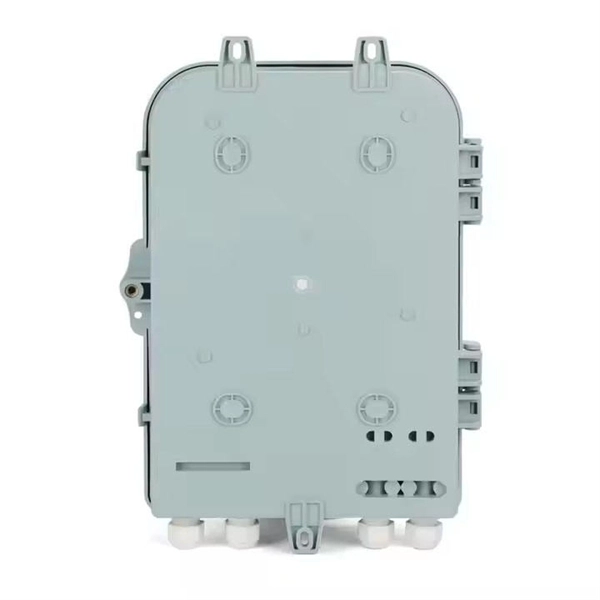
Mechanical Optical Switches: Use physical movement of fibers or mirrors to redirect light. Optical switches are important devices for optical fiber communication sys-tems where they are used for protection, restoration, wavelength routing, fiber-management, automatic patch panel, and in optical cross-connects [1–3]. Its core functionalities include: (1) Signal Blocking/Transmission: Interrupting or permitting light passage through a specific channel. This transition allows data to remain in its native optical form as it travels through fiber optic networks, eliminating the need for. A comprehensive understanding of Switch Optical Modules, Optical Interface Types, and Fiber Optic Connectors is essential for network engineers, technicians, and anyone involved in network design, deployment, and maintenance. This comprehensive guide explores the fundamental principles.
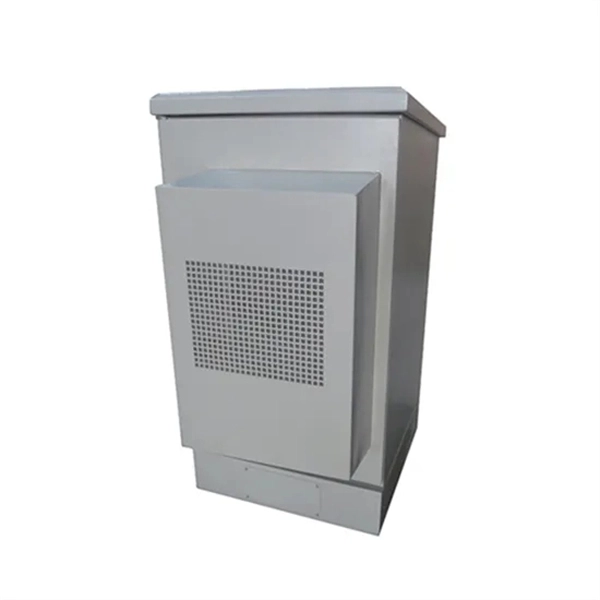
If possible, remove and reinstall the optical modules to check whether the fault is rectified. Check whether the information is consistent with the optical module specifications provided in the product documentation. Please select a product to check article relevancy This is for Layer 1 connectivity, if the link shows "up/up," but expected traffic is not. If you have physical access to the switch, it can save time to look at the port LEDs which give you the link status or can indicate an error condition (if red or orange). Perform a. I want to connect it to my switch, which is a Ubiquiti usw-pro-aggregation, on an SFP28 port. The client is Windows Server 2022. 0, which came from the Intel v28 release package. If I use a SFP28 DAC cable between the.
Contact us for competitive quotes on any of our power communication and smart grid products
Get a Quote