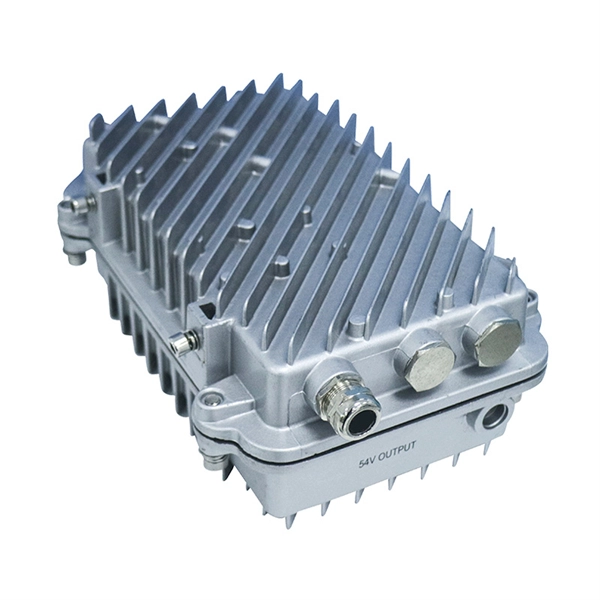
PoE technology adheres to the same 100-meter (328 feet) distance limitation as standard Ethernet for both data and power delivery. This means that a PoE switch can reliably supply power to a compatible device up to this distance. Beyond this, the power delivered to the end device may become. In PoE (Power over Ethernet) technology, the Ethernet link between the Power Sourcing Equipment (PSE) and the Powered Device (PD) has a clearly defined maximum distance limit—100 meters (328 feet). This limitation is not arbitrary; it is defined by the IEEE Ethernet standards governing PoE. The max PoE distance over Ethernet is 100 meters (328 feet) between a PoE power sourcing equipment (PSE) port and a powered device (PD). The splitter is the silver and black box in.
An 8-port PoE switch might use around 7 watts, while a 48-port switch can consume over 200 watts., IP cameras, access points) based on each device's power draw and the switch's total PoE budget. For more accurate planning, consider cable lengths, voltage drops, and real device startup/current peaks. Note: Typical PoE. Power over Ethernet (PoE) enables data and power to be delivered via a single Ethernet cable. PoE does not reduce network speed, does not waste excessive power when proper cabling standards are. Alternative A or Mode A uses the same two of the four signal pairs that 10BASE-T and 100BASE-TX use for data in typical Cat 5 cabling, i.
The best 8-port budget PoE switches are the NETGEAR GS308PP for cameras, TP-Link LS108GP for low cost, NETGEAR GS108PP for headroom, and Ubiquiti USW-Lite-8-PoE for UniFi. Pricing and warranty notes checked March 17, 2026 from current manufacturer pages. Marketplace pricing can. Huawei: Huawei's POE switches perform well in terms of performance and stability, with powerful intelligent management capabilities that can meet the high network requirements of enterprise users. Although the price is relatively high, from the perspective of long-term use and maintenance, the. How Do Switching and Routing Network Traffic Differ? Involves directing data packets between devices within the same network based on MAC addresses. Involves directing data packets between different networks based. The leading networking solution provider GZCOM outlines financial aspects which enable you to reduce costs when deploying your network. This innovation not only simplifies deployment but also saves significant installation and.
[PDF Version]
For TP-Link PoE switches, except for Unmanaged Switches, we can disable/enable PoE power on individual ports under PoE > PoE config, and PoE Status of PoE port is enabled by default settings. 08-27-2024 07:21 AM Just so we are confusing folks - We don't turn off switch port just to turn off PoE. To enable or disable PoE for one or more ports on a switch using the Insight app: If you have an Insight Pro account, select an organization. If the managed devices do not display, tap Devices. When the remaining power is insufficient, PDs with higher power supply priority are provided with power first. In manual mode, you can power on or off a specified interface as. A powered device (PD) is a device such as an access point (AP), IP phone, IP camera or PoE switch that supports PoE so that it can receive power from another device through the Ethernet port.
Power over Ethernet (PoE) can simplify networking—but it isn't necessary for every home or small office. This guide explains what PoE is, when it provides real value, and when a standard Ethernet switch is the better choice, so you can make the right decision before buying networking equipment. I'm Ayan — the founder and writer behind Home To Sight. After spending $2,300. A PoE switch is a special network switch that sends electricity and internet data through one regular Ethernet cable (like the ones you use for Wi-Fi or computers). Instead of needing separate power plugs for devices like cameras or sensors, a PoE switch powers them up while connecting them to the. Choosing the right equipment is crucial, and this is where the best poe switches for home network come into play, offering a means to power devices over Ethernet while managing network traffic.
Residential ATS models, designed for lower amperage (typically 30A to 200A), usually cost between $300 and $1,200. Let's deep dive into these pricing pressures. Drive smarter procurement and resilient supply chains through enterprise-proven technology 1. Suppliers Unable to Meet the Jump in Demand: In North America, the demand. The cost of an ATS depends heavily on its type and capacity. Commercial and industrial ATS units, which handle higher loads (250A to 4000A or more), can range from $1,800 to over. When planning a standby power setup, buyers typically pay for the switch itself, installation, and any permitting or accessories. Understanding price ranges helps create a. How much does an automatic transfer switch cost depends on several key factors, but here's what you can expect to invest: Total Installation Costs: By Amperage: If you're a facilities manager dealing with frequent power outages or a homeowner in storm-prone South Florida, understanding these costs. This is a comprehensive tool to determine the cost of building a substation or any small portion of it. All material cost is populated.
[PDF Version]
A PoE switch has PoE built in — every port (or a defined subset) can source power without any additional hardware. A PoE injector is a separate device that sits between your existing non-PoE switch and a single PoE device, adding power to the line mid-span. A PoE (Power over Ethernet) switch is a network switch that delivers both power and data through a single Ethernet cable to connected devices such as IP cameras, VoIP phones, wireless access points, and IoT devices. A Power over Ethernet switch both enables communication among network clients and provides power using the same RJ45 network cable to PoE-enabled edge devices, such as VoIP. The power of a single port of the PoE switch is its core parameter, which directly determines whether the terminal devices can be used on the PoE switch. The total power budget refers to the sum of the power supplies.
In most cases, it's a misconfiguration, bad cable, or the wrong PoE type. Just take a methodical approach: test ports, check settings, and make sure your devices are matched with your switch's capabilities. In a basic PoE power supply system, the major components are the power sourcing equipment (PSE), the powered device (PD), and the PoE cables. However, PoE setups can encounter various issues. Here are some common PoE issues and how to troubleshoot them: 1. This guide provides a step-by-step troubleshooting. Recently I experienced a bizzare issue where a FortiSwitch wasn't supplying POE power to anything you plugged into it. Essentially the access points at this particular site went offline. To view the PoE switch port LEDs: If there is no light: the port is not powered on or the hardware is faulty; If the light is on but the flicker is abnormal (such as frequent flash/constant flash): it may be a bad cable contact or a problem at the device end; Check the powered equipment (such as.
[PDF Version]
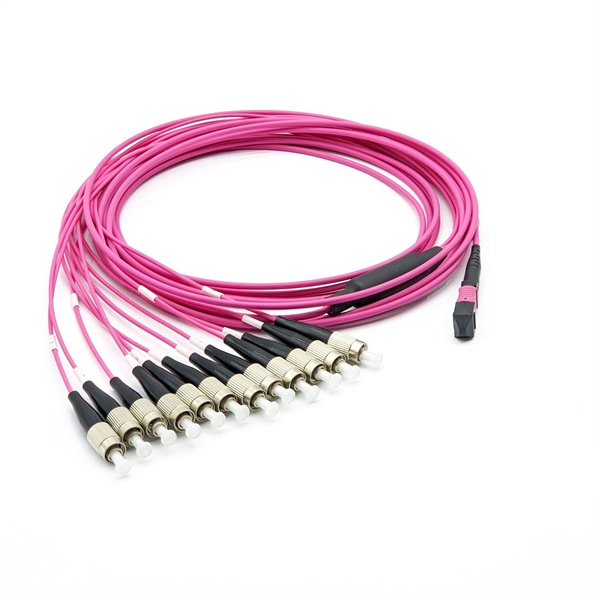
This guide will walk you through the process of connecting a switch to a fiber optic network, covering the necessary components, steps, and considerations to ensure a smooth setup. Advantages Determine the length of the fiber run and choose either multi mode for runs under 1000 feet or single mode for runs over 1000 feet. Fiber optic technology is widely used in networking due to its high-speed data transmission capabilities and long-distance coverage. The compact size (60x119x33 mm), extended temperature range (-30°C +70°C), temperature-compensated time. In this article, we'll explain how to connect multiple Ethernet switches using fiber optic cables and the equipment required for this to work. Simply put, it defines how network.
Contact us for competitive quotes on any of our power communication and smart grid products
Get a Quote