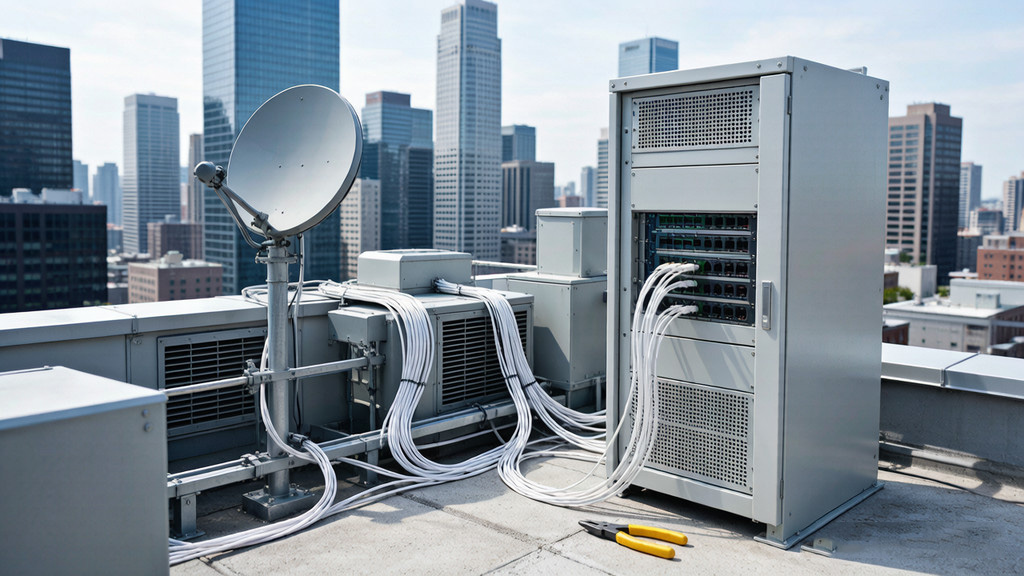
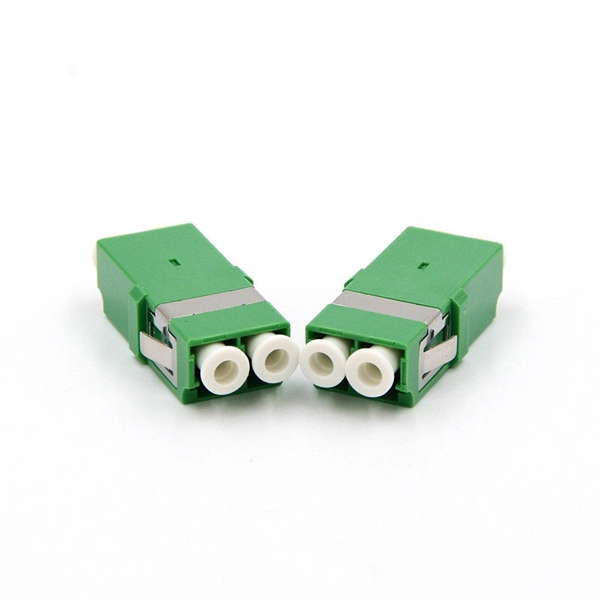
Fiber Connection: Locate the optical port on your router and carefully insert the fiber cable's connector, ensuring a snug fit. Click it into place if it has a locking mechanism. Low latency for. The process to connect fiber optic cable to router requires careful attention to detail, but I'll walk you through every critical step with the precision and clarity you deserve. This comprehensive guide combines industry standards with field-tested practices to ensure you achieve a rock-solid. See you soon! 🚀 How to connect a fiber optic cable to the router. Before you start, gather the right tools. You don't want to dig around mid-job for something small but essential.
Restarting your router is one of the easiest ways to resolve minor internet speed issues. Often, these devices just need a fresh reboot to clear out temporary glitches and restore your connection to full speed. Why Do Fiber Networks Fail? Despite their robustness, fiber networks can fail due to:. Your Wi-Fi may be slow due to a number of reasons, including issues with your internet provider, your modem or ONT, your router, or the devices you use. I'll walk you through the process so you can zero in on what's. The answer to “ Why Is My Fiber Internet Slow? ” isn't always straightforward, but understanding the contributing factors is the first step toward resolving the problem. 11ax is the technical name for Wi-Fi 6 and Wi-Fi 6E. The 'E' variant extends the standard into the 6 GHz band, offering a massive swath of new, less-congested spectrum for faster and more reliable connections. Wi-Fi 6E adds support. A variety of issues, such as low speeds, poor coverage and dropouts, can be resolved by following a few simple steps: Make sure your router is not near any thick walls. Step 1: Please locate your Linksys router.
[PDF Version]
The ASUS ROG GT-AXE16000 is built for gamers, with ultra-low latency and high throughput. Mesh systems like the Linksys Velop AX4200 are ideal for whole-home coverage without. Searching for the ideal WiFi router to match your 100 Mbps internet speed? You're in the right place! In this guide, we'll explore the top routers tailored to deliver optimal performance for your 100 Mbps connection. Whether you're streaming, gaming, or simply browsing, a high-quality router is. This product is certified by Amazon to work with Alexa. This product can be controlled with your voice through Alexa-enabled devices such as Amazon Echo and Amazon Tap. Need help? Explore a wide range of wireless routers. Get fast speeds and stable connections for your home network.
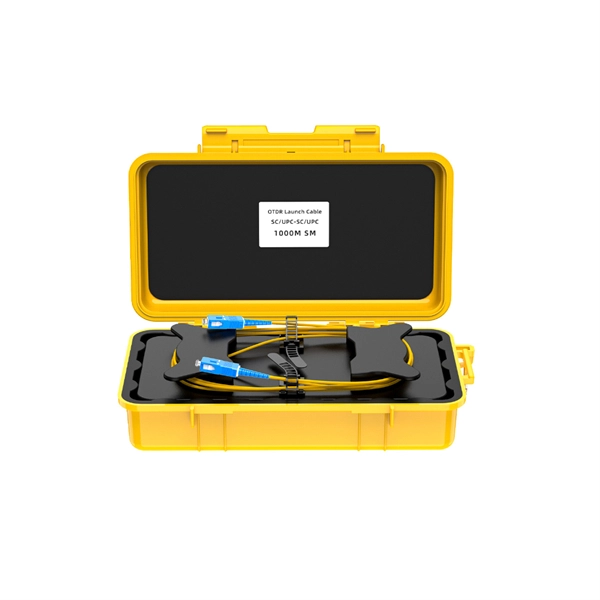
Picking up the best router for fiber internet isn't just about going to the market and choosing one of the best wireless routers. Instead, you need to carefully look at its specs, performance, and the type of securit.
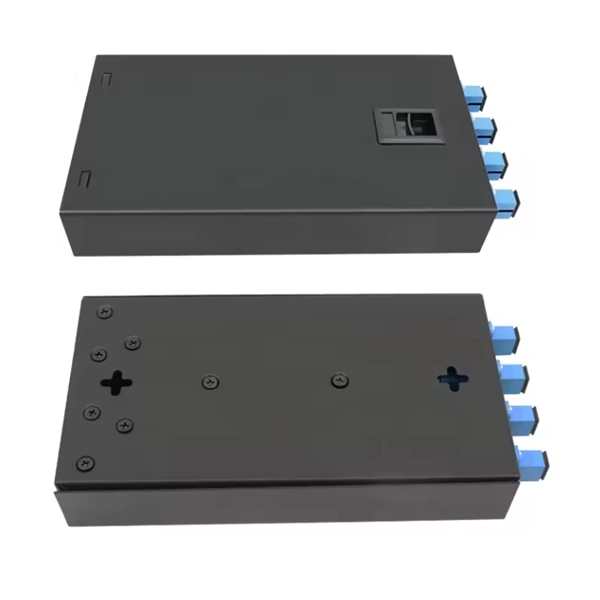
To set up your router for fiber internet quickly, connect the router to your fiber modem, access the router's settings via a web browser, and input the provided ISP credentials. This guide walks you through the complete fiber installation process, from checking availability to optimizing your Wi-Fi network. Fiber optic internet delivers blazing-fast speeds and reliable connectivity, making it a top choice for modern homes and businesses. However, setting up a fiber optic connection to your router can seem daunting if you're unfamiliar with the process. ¿Hablas español? You can download or print this this Use Your Own Router guide in Spanish to better help you in setting up your Wi-Fi router. However, if you're not accustomed to some of the jargon, like MAC cloning and PPPoE, you may encounter a few.
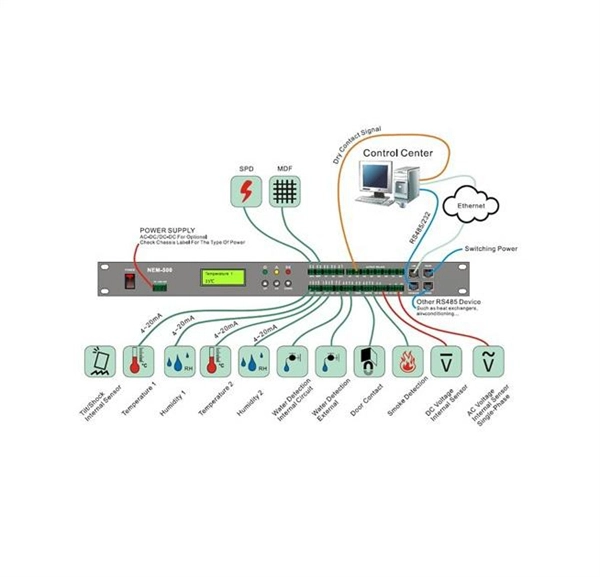
Q: Can I plug a fiber optic cable directly into a router? A: Only if your router has an SFP port designed for fiber. Q: Do I need a special router for fiber optic internet? A: While not all routers support fiber, many modern models. To connect your fiber optic cable to a router, ensure you have the following: Fiber optic modem (ONT): Most fiber connections require an Optical Network Terminal (ONT), provided by your ISP. The fiber line terminates at the Optical Network Terminal (ONT), which is typically supplied and installed by the internet service provider. This. Yes, you can often use your existing router with fiber optic internet, but there are crucial considerations. Understanding compatibility, potential limitations, and when an upgrade is necessary will ensure you get the most out of your high-speed connection. This guide will break down everything you.
Contact us for competitive quotes on any of our power communication and smart grid products
Get a Quote