Picking up the best router for fiber internet isn't just about going to the market and choosing one of the best wireless routers. Instead, you need to carefully look at its specs, performance, and the type of securit.
Dirt, dust, and other contaminants are the enemies of these higher-speed data transmission rates — which makes it critical to keep all optical connections free of contamination to avoid application performance issues. Contamination is the single greatest cause of fiber failures. Yet in practice, one tiny particle of dust can cause major performance issues —increasing insertion loss, degrading return loss, or even completely blocking the signal. Unlike copper cabling, optical fibers operate on. Abstract Fiber optic networks are highly sensitive to contamination, with even microscopic dust, oil, or debris causing significant performance degradation. This whitepaper outlines best practices for fiber optic cleaning, emphasizing preventive maintenance, proper cleaning techniques, and the. Contamination on fiber optical interconnects is one of the most common threats to a fibre optic network. Spending the extra. Cable connectors should be cleaned and when stored must be protected from dust particle or chemical contamination.
[PDF Version]
To set up your router for fiber internet quickly, connect the router to your fiber modem, access the router's settings via a web browser, and input the provided ISP credentials. Make sure to update the firmware, configure Wi-Fi security, and customize your network name for optimal performance. After setup, the technician. Fiber to Ethernet media converters adapt between a typical RJ-45 copper Ethernet cable and fiber-optic cable. If your computer detects an Internet connection, you're ready to set up the router. Here's another "seems obvious" step—but one that will save you aggravation when you're in. If you have subscribed to a fiber optic service and want to configure your PC to enjoy the maximum connection speed, this tutorial is for you.
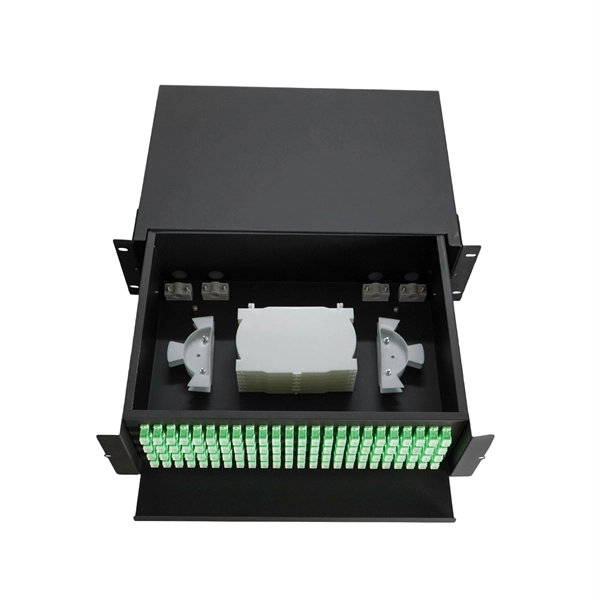
Fast pulsing red lights often indicate a factory reset is in progress. The tables in this article provide detailed information about the possible appearances of the LED lights on each device, the possible causes of each state, and what you should do. Red lights on specific ports (like Ethernet) mean. The LEDs on your modem, optical network terminal (ONT), router, or modem/router combo (gateway) are most likely blinking because they're communicating what the device is doing, or there's an error. POWER Normal: Solid/stagnant light. If OFF: The router is not powered — check the socket, adapter, or power cable.
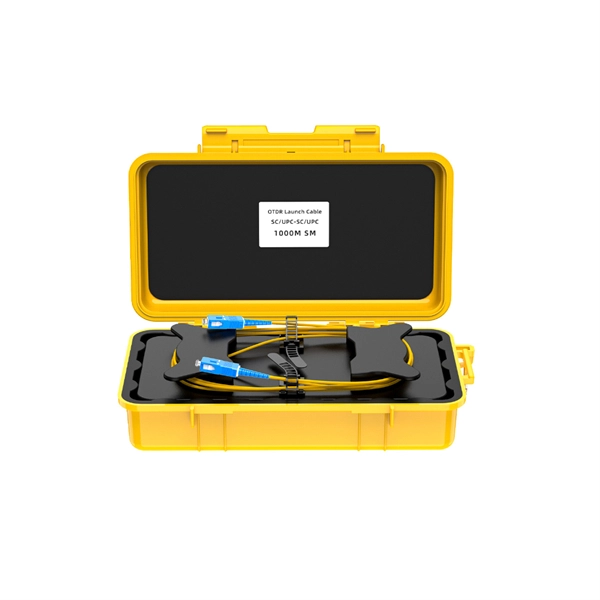
Picking up the best router for fiber internet isn't just about going to the market and choosing one of the best wireless routers. Instead, you need to carefully look at its specs, performance, and the type of securit.
Contact us for competitive quotes on any of our power communication and smart grid products
Get a Quote