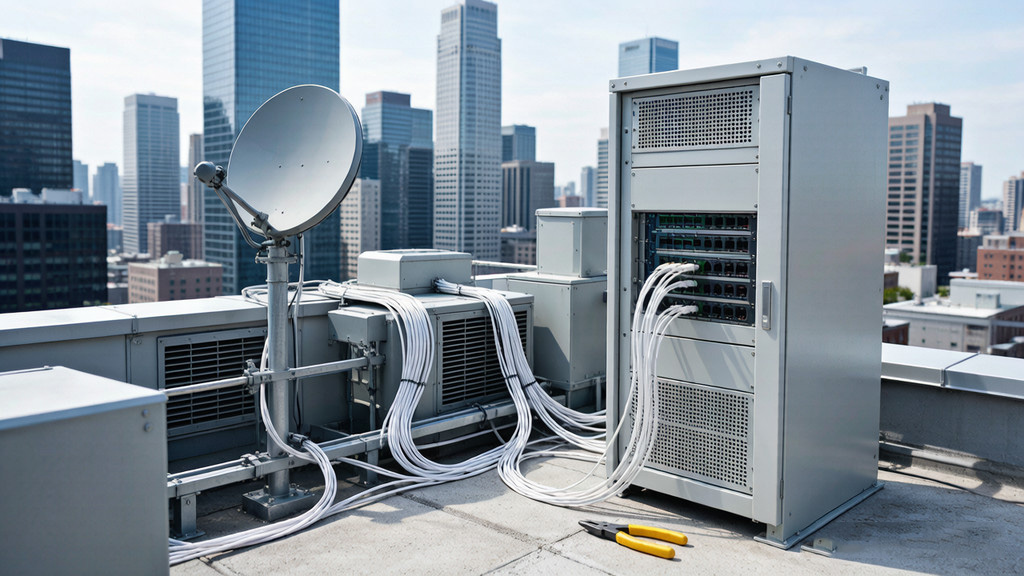

Picking up the best router for fiber internet isn't just about going to the market and choosing one of the best wireless routers. Instead, you need to carefully look at its specs, performance, and the type of securit.
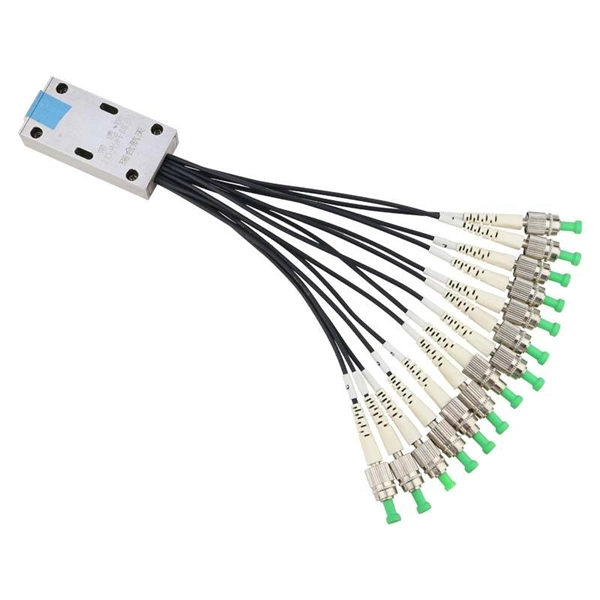
To set up your router for fiber internet quickly, connect the router to your fiber modem, access the router's settings via a web browser, and input the provided ISP credentials. Make sure to update the firmware, configure Wi-Fi security, and customize your network name for. Is your ONU holding your Wi-Fi router back? This guide dives deep into Bridge Mode ONU, explaining how this simple setting can eliminate double NAT, reduce latency, and give you full control over your network. We'll cover what it is, its key benefits, how to set it up, and even explore the role of. However, setting up a fiber optic connection to your router can seem daunting if you're unfamiliar with the process. The fiber. If you use the FRITZ!Box with a fiber optic modem, you can also use it on a fiber optic connection (Fiber to the Home, FTTH).
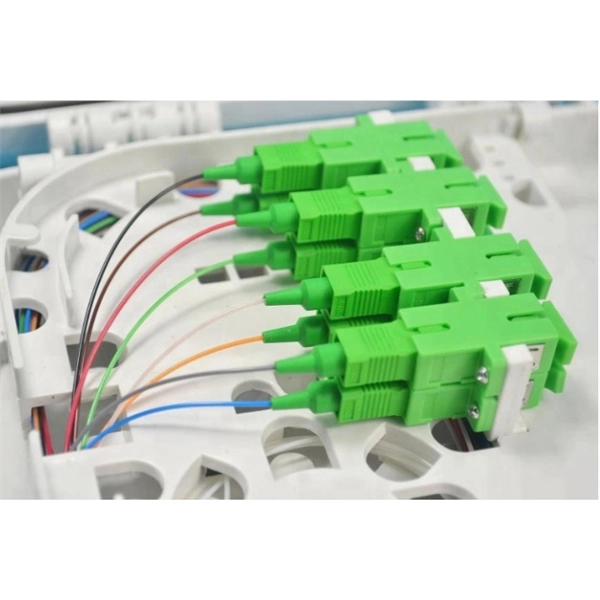
First, check the basics—look for power issues on your optical network terminal and inspect all cables for visible damage. Many fiber internet problems come from dirty connectors or loose plugs, not major faults. Fiber optic internet delivers blazing-fast speeds and reliable connectivity, making it a top choice for modern homes and businesses. However, setting up a fiber optic connection to your router can seem daunting if you're unfamiliar with the process. Think you know your routers from your. I have a modem, conected to a switch and one of those switch cables conected into my D-LINK DIR-825 router (Firmware 7. I tested this cable without router and get 300mbps in my desktop, but when I connect the cable in my router, the lan and wifi connections are limiteds to 100mbps.
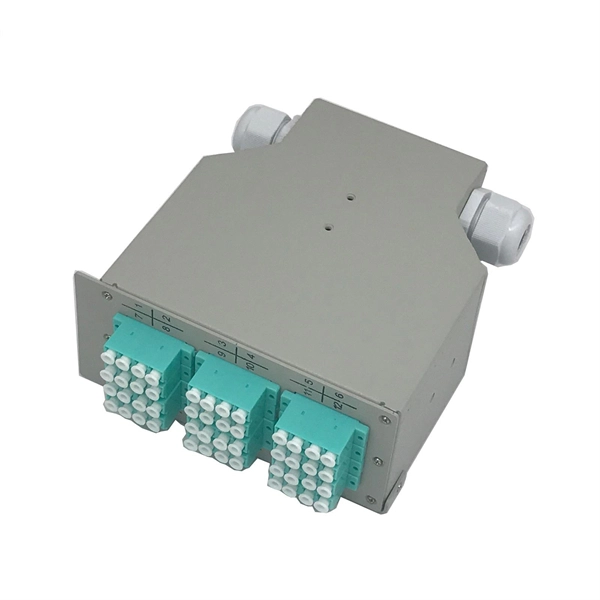
An optical transport network (OTN) is a digital wrapper that encapsulates frames of data, to allow multiple data sources to be sent on the same channel. This creates an optical for each client signal. defines an optical transport network as a set of optical network elements (ONE) connected by links, able to provide functionality of transport, multiplexing.
An optical transport network (OTN) is a digital wrapper that encapsulates frames of data, to allow multiple data sources to be sent on the same channel. This creates an optical for each client signal. defines an optical transport network as a set of optical network elements (ONE) connected by links, able to provide functionality of transport, multiplexing.
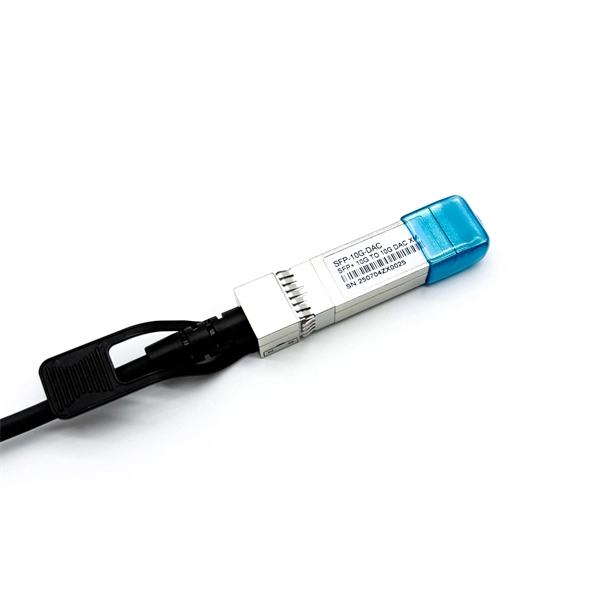
A CXP optical module is a hot-pluggable high-density parallel optical module, which provides 12 channels of traffic in each of the Tx and Rx directions. It applies only to short-distance multimode links. Currently, SFP modules also have the preceding functions. These small modules determine how your uplinks operate: the speed, the distance supported, and whether your Cisco or Huawei switch will even recognize the module at all. Choosing the wrong transceiver can result in wasted budget, failed deployments, or poor network performance. Product Overview & Key Features This 800G OSFP (Octal Small Form-factor Pluggable) optical transceiver is a high-performance module engineered for the next generation of ultra-high-bandwidth networks.
Access the router's admin panel: Open a browser and enter the router's IP address (e. Enter ISP credentials: If required, input the username and password provided by your ISP. Fiber optic networks are celebrated for their speed and reliability, but even the best systems can encounter problems. When issues like signal loss, slow speeds, or intermittent connectivity arise, systematic troubleshooting is key. Despite multiple attempts, the Archer AX6000 v1. The blue light on top of the router spins around for a. When your fiber optic network stops working, begin with a structured approach. Many fiber internet problems come from dirty connectors or loose plugs, not major faults.
When selecting a router for fiber optic internet, ensure it is a “fiber compatible router” with a Gigabit WAN port. Understanding compatibility, potential limitations, and when an upgrade is necessary will ensure you get the most out of your high-speed connection. Processor and RAM: Higher-end routers with more powerful processors and RAM can handle more simultaneous connections and higher data throughput without performance degradation. This is. Many users often wonder: Can I connect a fibre optic cable directly to my wireless router? The answer isn't as straightforward as a simple yes or no—it depends on the type of router, the fiber setup, and the kind of connection your ISP (Internet Service Provider) provides.
Contact us for competitive quotes on any of our power communication and smart grid products
Get a Quote