The app will test your camera's ability to connect to YI's servers. If it fails, ensure your router allows traffic on port 80 and port 443. For YI Dome Camera U Pro models, use the Activity Zone Test to confirm the camera is correctly detecting motion and sending data to the app. Then you see it: “Cannot connect to server” This Cannot Connect to Server Error disrupts your server connection instantly, stalling work and raising stress amid common connectivity issues. Problems usually come from a flaky network, server issues like a brief. There are some errors currently happening on the site and I came to bring possible solutions for you to try! These same solutions are also on our server in the "announcements" section described by our beloved Head Moderator Slushi! Below are short tutorials to guide you and test your browsers: ***. To use Burp AI, your network must allow outbound HTTPS traffic to ai. Please download the most up-to-date App. One of which is “Pairing. Check out my post i have an alternive solution.
[PDF Version]
First, it is essential to find suitable premises since not every room can accommodate all the needed equipment, requiring careful consideration of the server cabinet layout and data center rack layout.
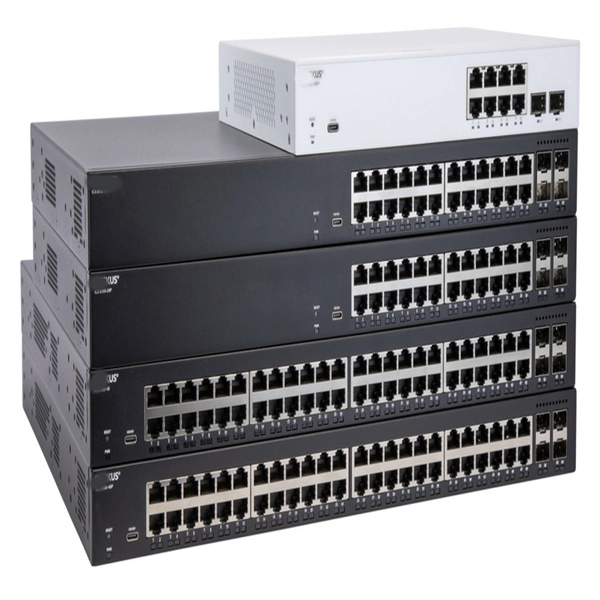
Compact, durable, and efficient, wall-mounted network racks help organizations optimize space without compromising on performance or safety. Whether you are setting up an office, a retail outlet, a data room, or a surveillance control area, wall mount racks deliver significant advantages over. Wall-mount racks are compact, efficient, and versatile. They securely house servers, networking equipment, and other IT hardware, making them ideal for environments with limited space. This guide explores the core benefits, key considerations.
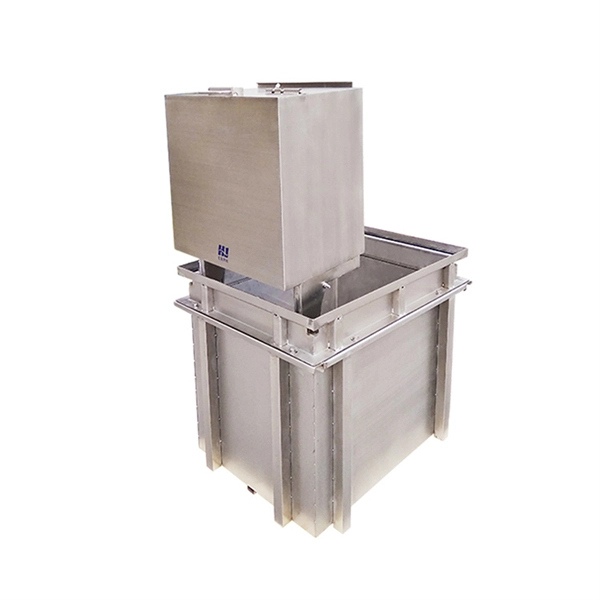
Yes, rack-mounted servers can be loud, primarily due to their cooling fans and high-performance components. The noise level typically ranges from 40 dB to 70 dB, depending on the server's design and workload. Therefore, keeping your equipment cool and quiet is absolutely essential. Additionally, loud fan noise can disrupt. Selecting a quiet rack server for home use is one of the most critical decisions when building a home lab or personal data center. Unlike industrial server rooms where noise levels are less of a concern, home environments demand special attention to acoustic comfort. As I'm sure you can guess maintenance on the small form factor case is kind of terrible. I'm looking at larger cases and its down to deciding between a full sized tower or moving everything into a rack. But one of the drawbacks of these important devices that is often ignored is the noise produced.
[PDF Version]
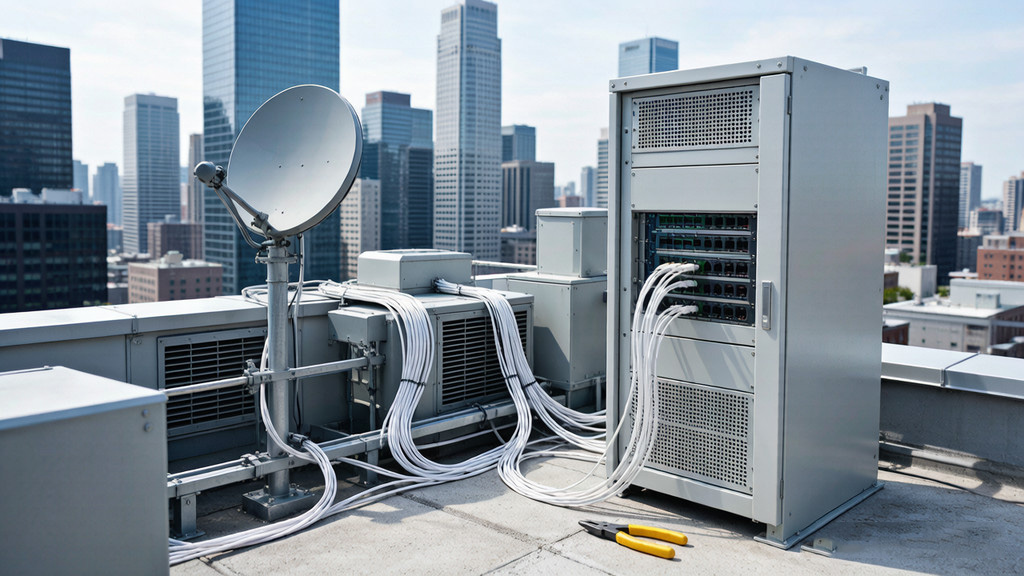
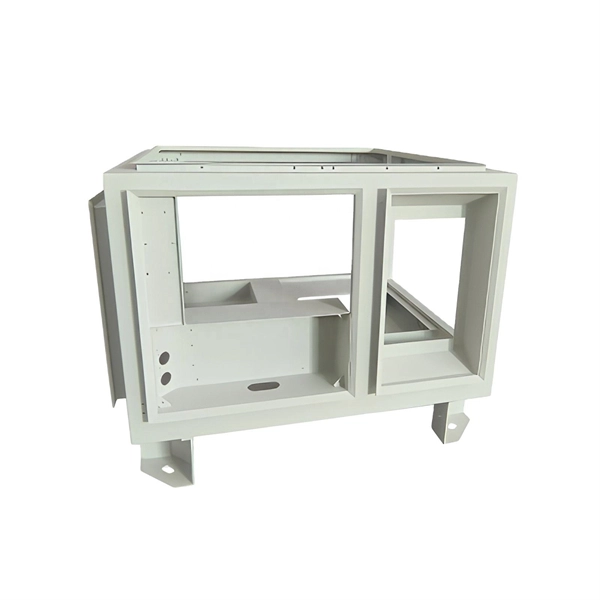
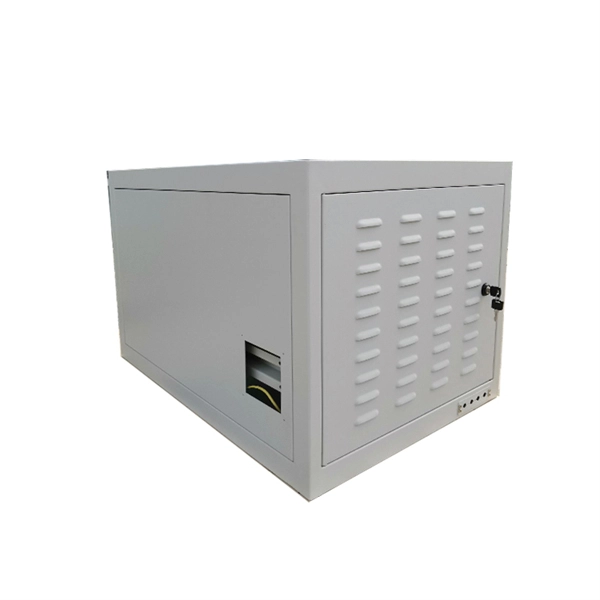
Open any access panels or flooring to expose hidden dampness. Maintain temperatures between 68–77°F and relative humidity under 60% during drying. Follow these precautions: Do not power on wet. As a designer, you want to give your customers outdoor weatherproof cabinets for electronics or electrical equipment. Learn how to minimize downtime and prevent long-term damage from water contamination in server environments. Whether caused by a burst pipe, flooding, or. If your business has a data center or server room, you understand that it's critical to maintain an optimal temperature and humidity level to ensure your equipment runs efficiently and safely. Without proper protection, these factors can result in costly downtime and equipment failure.
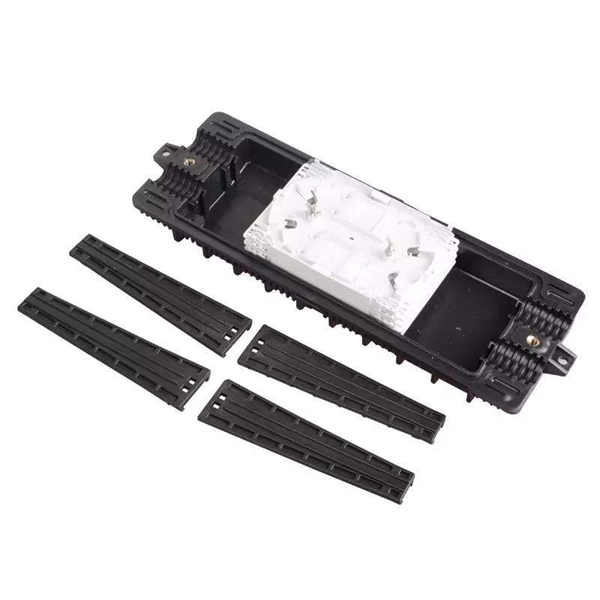
Quad Small Form-factor Pluggable (QSFP) transceivers are available with a variety of transmitter and receiver types, allowing users to select the appropriate transceiver for each link to provide the required optical reach over or. 4 Gbit/s The original QSFP document specified four channels carrying Gigabit Ethernet, 4GFC (FiberChannel), or DDR InfiniBand. 40 Gbit/s (QSFP+) QSFP+ is a.
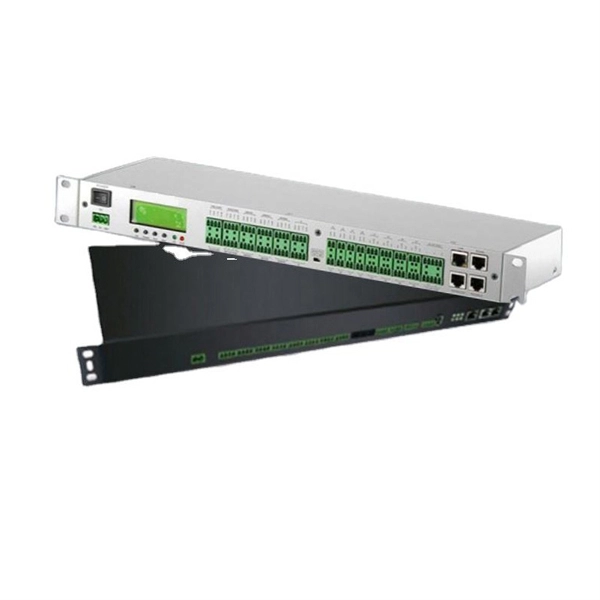
In the system tree, go to Chassis Overview, and click Troubleshooting > Reset Components. The Reset Components page is displayed. To reset the Panel server to factory setting. Please follow below as mentioned in Panel Server User guide During PAS600 commissioning with a PM5100, a Network Configuration Error occurred during data publication despite working data sampling and a 4G/5G modem connection. Are you sure you want to disable all chassis ports now? (yes, y, no, n): : to start the factory reset. Resetting helps resolve slow speeds, connection drops, security concerns, forgotten passwords, and configuration problems after updates.
Whether you're installing new fiber optic cables or troubleshooting and repairing an existing fiber network, a working knowledge of the regulations that apply to your project can help you (and your team) stay s.
Originally defined by the EIA-310 standard, the rack specifies a front panel width of 19 inches (482. 6 mm), allowing different hardware from various manufacturers to fit in the same enclosure. Common server rack sizes are 19‑inch width, heights like 42U or 48U, and depths from ~24″ to 48″. Most IT environments default to 42U, 19-inch width, and 1000–1200 mm depth unless space constraints or special equipment dictate. A 19-inch rack is a globally standardized frame used for mounting servers, network equipment, industrial controls, and audiovisual equipment. Height is measured in rack units (U). Width is usually 19 inches inside, which is the space for. 1. The size of a system can total from a dozen up to a hundred of active.
Contact us for competitive quotes on any of our power communication and smart grid products
Get a Quote