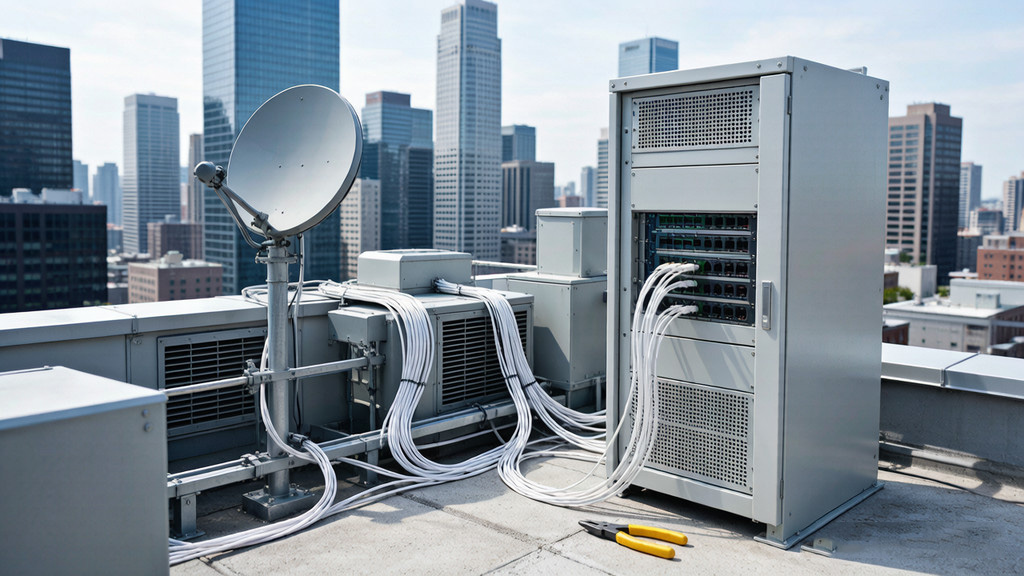
In order to start configuring a switch, you usually use the configure terminal command from privileged EXEC mode to enter global configuration mode. You can make adjustments in this mode that impact the router or switch as a whole. The Cisco IOS user interface is divided into many different modes. The commands available to you depend on which mode you are currently in.
For systems with fewer than 32 channels, a core switch is generally unnecessary. A core switch, installed in the core layer, serves as the hub of the network architecture, primarily used for high-speed data exchange and connecting multiple subnets or LANs. Core switches generally offer high bandwidth, low latency, and high reliability, capable of handling large amounts of data. I am confused if the Cisco S G-300-28 MP as an access switch and catalyst 3850 as a core switch will be the best choices to operate the network with full performance without delay and video drop in live view and recording. Access layer: The access layer is directly connected to the user's computer and makes various network resources to access the network.
This post will deal with creating Layer 2 VLANs on Cisco switches and performing all relevant configurations. Up to 4094 VLANs can be configured on Cisco catalyst switches.
A core switch is a high-capacity, high-performance Layer 3 switch positioned at the physical backbone of an enterprise network. Engineered to aggregate massive volumes of data from distribution switches, it provides ultra-low latency and maximum throughput to ensure uninterrupted routing and packet. A core switch in networking serves as the high-capacity backbone, italic centralizing data flow and ensuring efficient communication between different network segments. Simply put, it's the kingpin that keeps your network humming. You may also want to know: Can a Nintendo Switch Play DS Games? ·. The core switch is the physical core layer. It can be considered a central network layer that performs all the functions, like monitoring traffic and empowering the whole system. It's responsible for accurately routing communication among layers and departments of different sections. The core switch is the most important piece of hardware in this. A core switch is the backbone of a large-scale network, designed to handle massive volumes of traffic with ultra-low latency and maximum reliability.
[PDF Version]
In this scenario, IP addresses of the interfaces connecting the core switch to the BRASs and firewalls and OSPF need to be configured on the core switch, so as to implement connectivity between the user network to egress network through the core switch. we are facinf and issue with ping from access to core core management vlan 98 192. It is currently using the lan interface, the address that you need to use for the NAT is the WAN outside interface with the public IP - in this case gi0/0/0 The Router is set to use the wrong interface for the NAT overload. Why? Our school district has A/V devices in every classroom. I sometimes get a report that a device can not. Enterprise Networking -- Routers, switches, wireless, and firewalls. I'm just an apprentice and I don't know what I've done wrong! We have a pair of Dell N3224P-ON switches and today's morning my colleague gave me a task and instructions to. The router is connected to ISP which is 3500 series.
[PDF Version]
To enable routing and to add routes on a switch, complete the following steps: Set the filter to a group containing at least one switch. The dashboard context for the group is displayed. Under Manage, click Devices > Switches. I have a public /21 assigned from my ISP that I need to subnet into /24's at my core. For the example's sake, we will say this public /21 is 1. please step in and correct me with. Is moving the routing to the core switch a good idea? There is a lot of inter-vlan routing and I feel like the firewall is a choke point for that local traffic that isn't hitting the WAN or Internet. In this post, I'm going to show you how to configure a Cisco switch step-by-step.
Gleich vorab: Wenn Ihr noch eine alte Fritzbox haben solltet, könnt Ihr auch diese verwenden, um zumindest ein wenig mehr als ein Gastnetzwerk zu bekommen - wie, zeigen wir hier. Nun zum Groß.
Contact us for competitive quotes on any of our power communication and smart grid products
Get a Quote