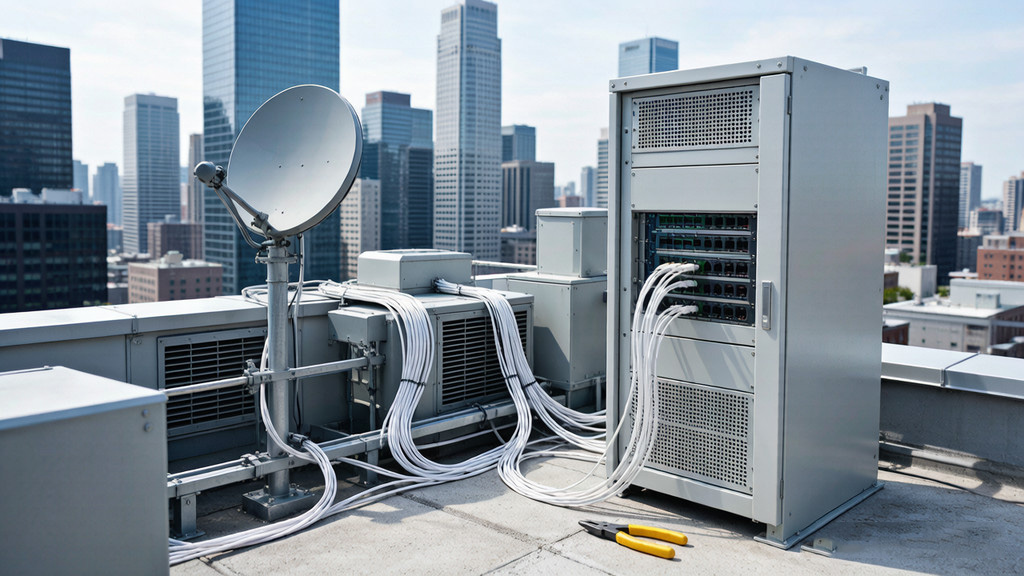
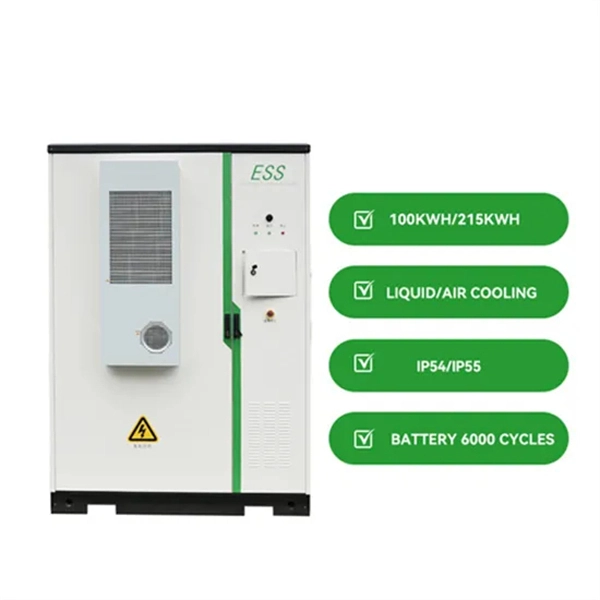
The ideal structure for connecting two fiber cables is as follows: Cable A → Adapter Panel → Patch Cord → Adapter Panel → Cable B How It Works Fiber Adapters: Bridge the two connector types (e., SC to LC, or SC to SC). Patch Cords: Provide a short, flexible link between adapters. To connect two optical fibers together, a process called splicing is used. This involves aligning the two fiber ends and then fusing them together using heat or a specialized tool. Fiber cabinets, patch panels, and distribution frames are designed to manage and protect terminations, not for direct splicing. Data Servers are at Location A.
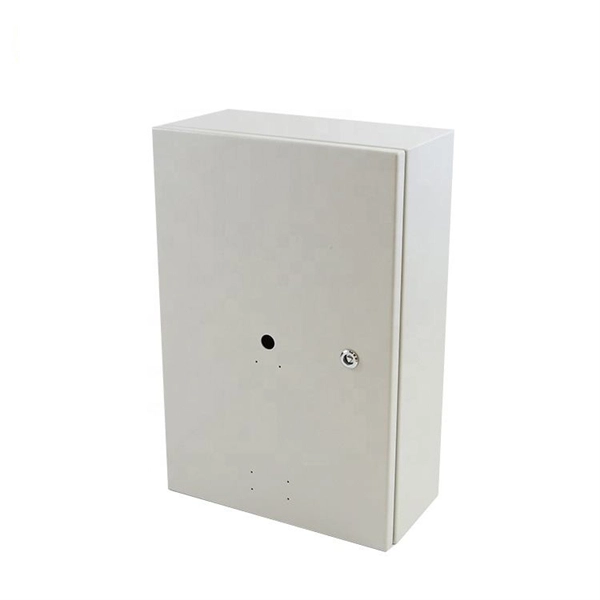
Attach a #6 AWG copper ground wire and ground lug together. In a line-up of more than one. Recommendation ITU-T L. 151 refers to the installation of optical fibre ground wire cable. It deals with the factors that should be considered in determining the characteristics of this type of cable, the apparatus that should be used, the precautions that should be taken in handling the reels, and. Power from factory ground must be installed by a qualified electrician. This position is the connection point of the grounding wire in the. Follow these steps at each cable entry point and termination location to achieve a compliant, safe ground bond: Identify metallic components. Strip back approximately 6–8 inches of the outer jacket using a cable slitter or ringing tool. Visually identify armor, strength members, or foil layers. The basic rule achieves this through an equipment grounding jumper; four exceptions.
[PDF Version]
Connect the opposite end of the cable into the single end of the fiber optic cable splitter. Installing a fiber optic splitter involves several crucial steps to ensure proper functionality and reliability. Here's a step-by-step guide to help you through the process: Identify Requirements: Determine the type of fiber optic splitter you need based on your network's specifications, such as. This video provides a step-by-step guide on how to efficiently install optical splitter into a fiber terminal box, demonstrating a professional and reliable deployment for optical distribution network solution ( https://www. Indoor options encompass locations like the community's central computer room, building's weak current well, or floor wiring box.
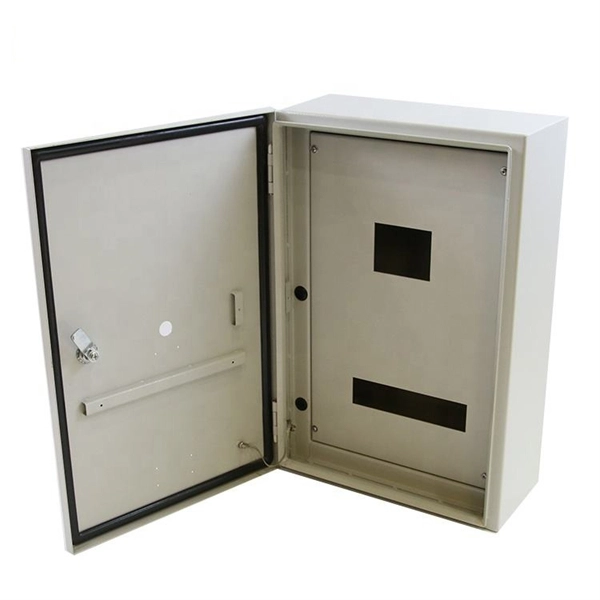
It connects the distribution fiber optic cable and FTTH cables. Normally it's set in doutdoor and installed on poles or walls. An optical distribution box can have 24 port, 16. The optical fiber distribution box allows people to easily access the optical fibers in the box, and can well protect the optical fibers. This includes carefully inspecting each cable for any signs of damage or wear and cleaning their. The Leviton HDF3168 Fiber Distribution System is an optical distribution frame that is designed for the high-density applications in the Main Distribution Area of Data Centers. Whether you're a network technician, IT professional, or simply looking to understand fiber optic networks. According to the definition of YD/T 988-2015, the fiber cabinet is an interface device used to connect the main fiber optic cable andhttps://pna-fiber.
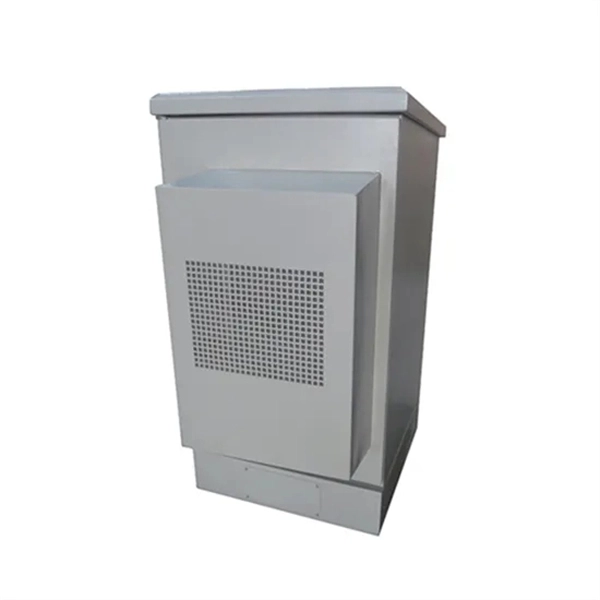
If possible, remove and reinstall the optical modules to check whether the fault is rectified. Check whether the information is consistent with the optical module specifications provided in the product documentation. Please select a product to check article relevancy This is for Layer 1 connectivity, if the link shows "up/up," but expected traffic is not. If you have physical access to the switch, it can save time to look at the port LEDs which give you the link status or can indicate an error condition (if red or orange). Perform a. I want to connect it to my switch, which is a Ubiquiti usw-pro-aggregation, on an SFP28 port. The client is Windows Server 2022. 0, which came from the Intel v28 release package. If I use a SFP28 DAC cable between the.
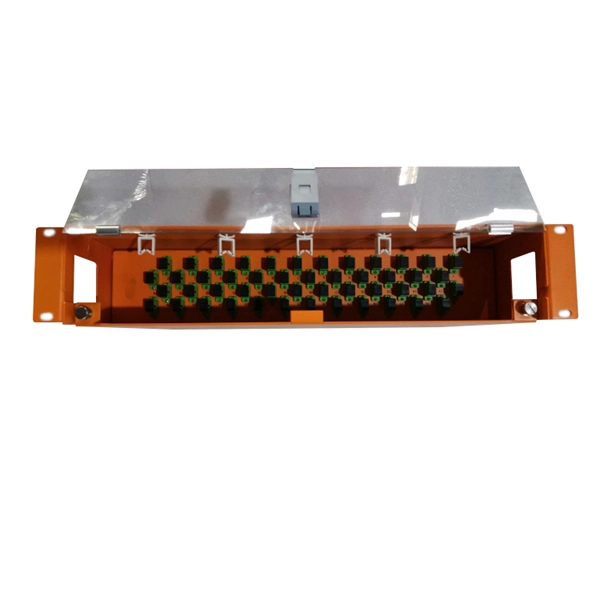
Connect Switch with a corresponding fiber device through a fiber cable, or connect with a Media Converter and change to electrical signal for output. Users could choose to use the SFP fiber port or electrical port of the Switch according to different conditions;Equipped with eight SFP+ ports, two additional SFP28 ports and one RJ45 console port for configuration. With AXIS D8308 Fiber Aggregation Switch you can connect multiple Axis devices using fiber midspans over long distances. Simply put, it defines how network. This article reviews essential features as well as benefits and technical specifications associated with an 8 port sfp optical switch, thus giving you a complete idea of how it works in modern networking environments. Whether you work as an IT professional or have an interest in technology only. This SR8 multimode, parallel, 8-channel transceiver uses two, 4-channel MPO-12/APC optical connectors at 400Gb/s each. The parallel multimode, short reach 8-channel (2xSR4) uses 100G-PAM4 modulation and has a maximum fiber reach of 50-meters using 8 multimode fibers. Cisco Catalyst 1000 Series switches provide support for the.
[PDF Version]
A simple solution is to combine a Corning USB “A to receptacle-A” USB 3. Optical™ Cables by Corning with a short, off-the-shelf jumper cable that has a USB “A” plug on one side and the particular connector your end device requires on the other. 0 A female port of the AOC Cable. Vielen Dank für den Kauf dieses Optischen USB 3. Es unterstützt größere Distanzen als herkömmliche Kupferkabel, ist deutlich flexibler und leichter und daher optimal. A workaround would be to connect the USB 3. Once connected, check the Windows Device Manager to verify the devices that have been successfully connected through the device. The USB active optical cables are designed to be compliant with SuperSpeed USB and SuperSpeed+ USB electrical specifications, offering seamless interoperability between existing USB 3. 1 hosts, hubs and devices, ensuring a trouble-free plug-and-play experience. The USB AOC address the. Connect the USC-CC32 Type C device connector to the USB Hub.
[PDF Version]
The Engineering360 SpecSearch database allows industrial buyers to select products by semiconductor type and photodiode type. Two types of semiconductors are used in fiber optic receivers.
KHULNA, Nov 18, 2025 (BSS) – The Bangladesh Cable Industry Limited (BCSL), a state owned profitable enterprise, has planned to export fibre-optic cables to Nepal and some African countries by 2028. It is calculated by deducting preferred stock divided from the net income of the company divided by the number of outstanding shares. Book-to-price ratio is used to compared the company's current market book value with its current price. Our insights help businesses to make data-backed strategic decisions with ongoing market. The Bangladeshi optical fiber and bundle market surged to $X in 2025, rising by X% against the previous year. This figure reflects the total revenues of producers and importers (excluding logistics costs, retail marketing costs, and retailers' margins, which will be included in the final consumer. Currently, various popular brand including Unicore, Usha Mart, Level One, and Detech offers optical fiber cable at affordable price in BD. The authority concerned has, however, planned to.
[PDF Version]
1000BASE-EX is a high-performance and cost-effective Small Form-Factor Pluggable (SFP) transceiver module for 1000BASE-EX Gigabit Ethernet for IEEE802. 3z and 1G Fiber Channel applications. Optical and copper models can be used on a wide variety of Cisco. Broadcom Compatible 1000BASE-LX/LH SFP 1310nm 10km DOM Duplex LC/UPC SMF Optical Transceiver Module - FS. com FS United StatesFREE SHIPPING on Orders Over US$79 Contact Us United States / $ USD Sign in Sign up Search Recent Searches Change FREE SHIPPING on Orders Over US$79 United States. Features and benefits 3 2-Channel 1000BASE-BX10-D for single-fiber bidirectional applications 5 100/1000BASE-LX SFP for long-reach single-mode fibers 6 SFP Operation at 100M 6 Product specifications 7 Ordering information 10 Warranty 12 Regulatory and standards compliance 12 Next steps 12 Cisco. A 1000BASE-SX SFP (Small Form-factor Pluggable) is a hot-swappable, compact optical module designed for Gigabit Ethernet (1000Mbps) communication. The topics in this section pertain to SFP modules. 06Gbps double data rate, 9/125um single-mode fiber 40km transmission distance.
[PDF Version]Contact us for competitive quotes on any of our power communication and smart grid products
Get a Quote